
Email and Attachments in Prism: Connecting an Agreement Version to Its Message
· Prism
Work with email and attachments in Prism so an agreement version remains connected to its message and review request. The team can retain the file’s delivery context and move into comparison, research, and a reply draft.
1. Prepare the example
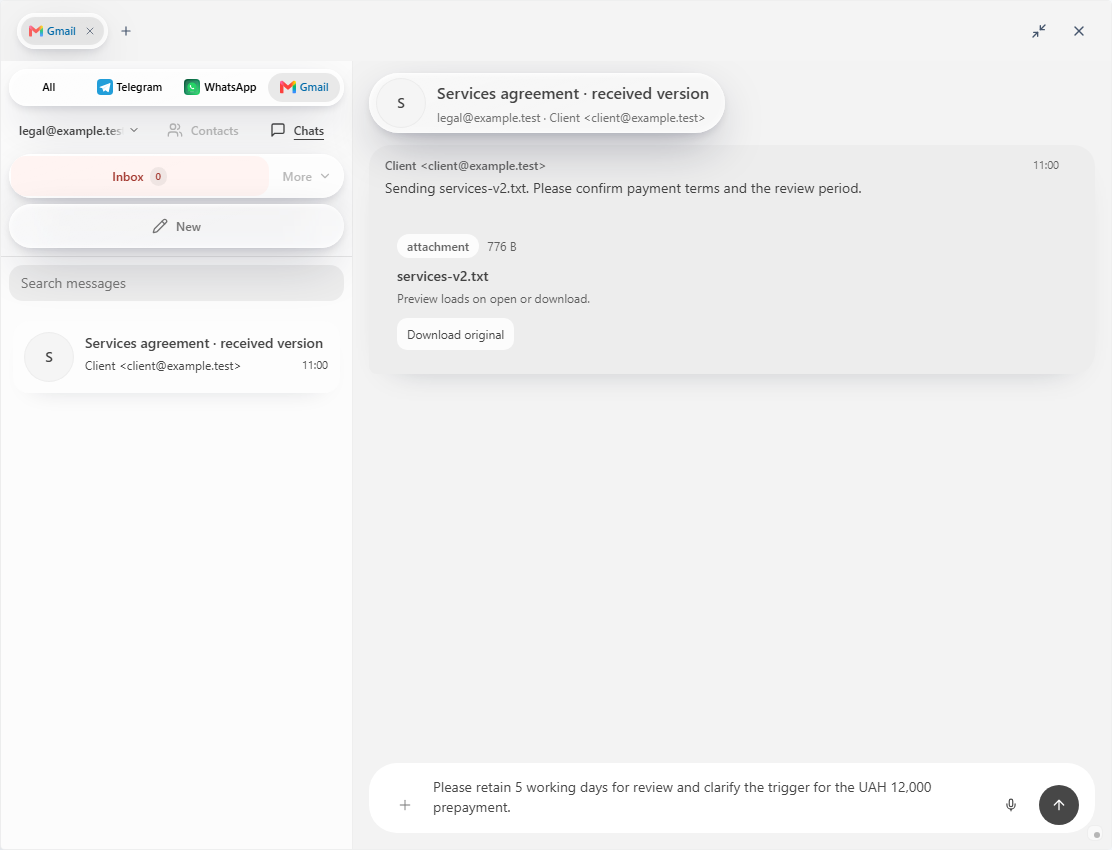
Use the brief, v1, and v2. Add a practice message: “Sending the received version; please confirm payment terms.” Connect the message to v2.
In connected Prism mail, open the conversation and attachment. State which materials belong to the research task.
2. Use this prompt
Compare the message and attachment with the earlier version. Produce a table of message, date, file, change, and reply question. Draft a short response about payment.
3. Preserve the context
| Material | Record |
|---|---|
| Message | Sender, date, action |
| Attachment | Name and version |
| Comparison | Changed clauses |
| Reply | Team questions and decisions |
For v2, ask about the trigger, 7-day period, and 50% prepayment. Keep clause references in the internal table.
4. Review the response
Compare the draft with the team’s decisions. Select recipients and attachments before the separate send action. Retain the comparison and current version in the project.
Choose Prism for the path from a received message to attachment analysis and a prepared reply. When another message arrives, extend the same collection with its file, question, and updated table. Use Prism communications and connected tools to preserve the message-file relationship.