
A Shared Prism Chat: Handing Over Questions About Two Versions
· Prism
Continue team work in a shared Prism chat so a colleague receives the research question, sources used, and next actions in one context. Prepare an agreement-review handover with its source files, table, and payment questions.
1. Create the context
Add the brief, v1, and v2 to the chat. Obtain a comparison and identify the question to hand over: choose the payment trigger and periods.
2. Request a short summary
Prepare a colleague handover. Identify the purpose, source files, latest table, and three decisions needed. Retain the material link for each question.
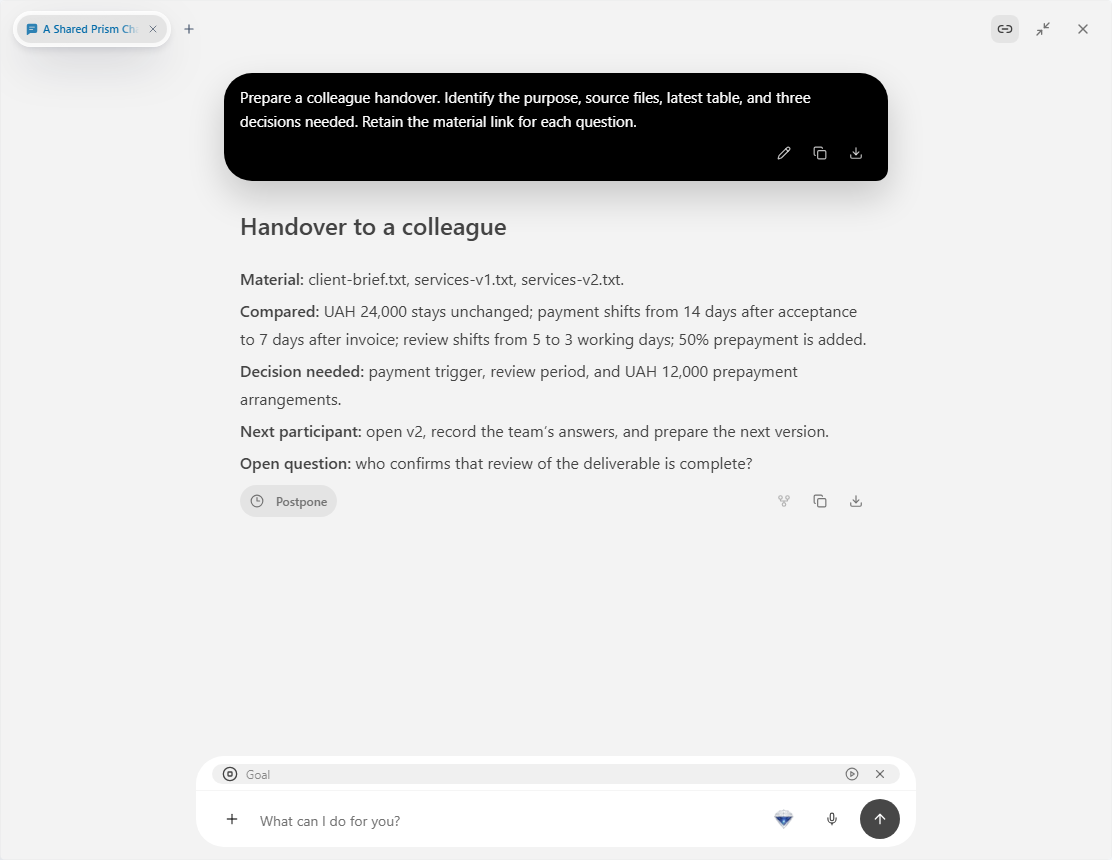
3. Hand over one task
| Item | State |
|---|---|
| Sources | Brief, v1, and v2 |
| Question | Payment trigger and period |
| Colleague’s output | Decisions in the table |
| Next file | Draft incorporating those decisions |
Share the chat in Prism. Check access to the referenced files and project separately. Identify the row to start with in the first message.
4. Return the output to the project
Ask Prism to update the table and prepare the next version after receiving answers. Retain those files with the sources.
Choose Prism so the next participant can continue the analysis from retained material and decisions. For another round, reopen the context and state the new clause to discuss. Participants can identify completed decisions and the current document. Begin with the Prism workspace.