
Planning a Procedural Document in Prism: Link Each Section to Its Material
· Prism
Plan the procedural document in Prism to connect its questions, arguments, and required evidence to the matter’s material. Use a real decision to prepare an outline that can be extended with sources and developed into a draft.
1. Define the purpose
Tell Prism the matter, participant’s role, and intended action. Add the sources. For an exercise, use decision 910/9714/22 to separate documents and working questions.
2. Request an outline first
Prepare an outline for this purpose. For each section, give its statement, source, required passage, and material questions. Then list the identifiers and appendices the team needs to complete.
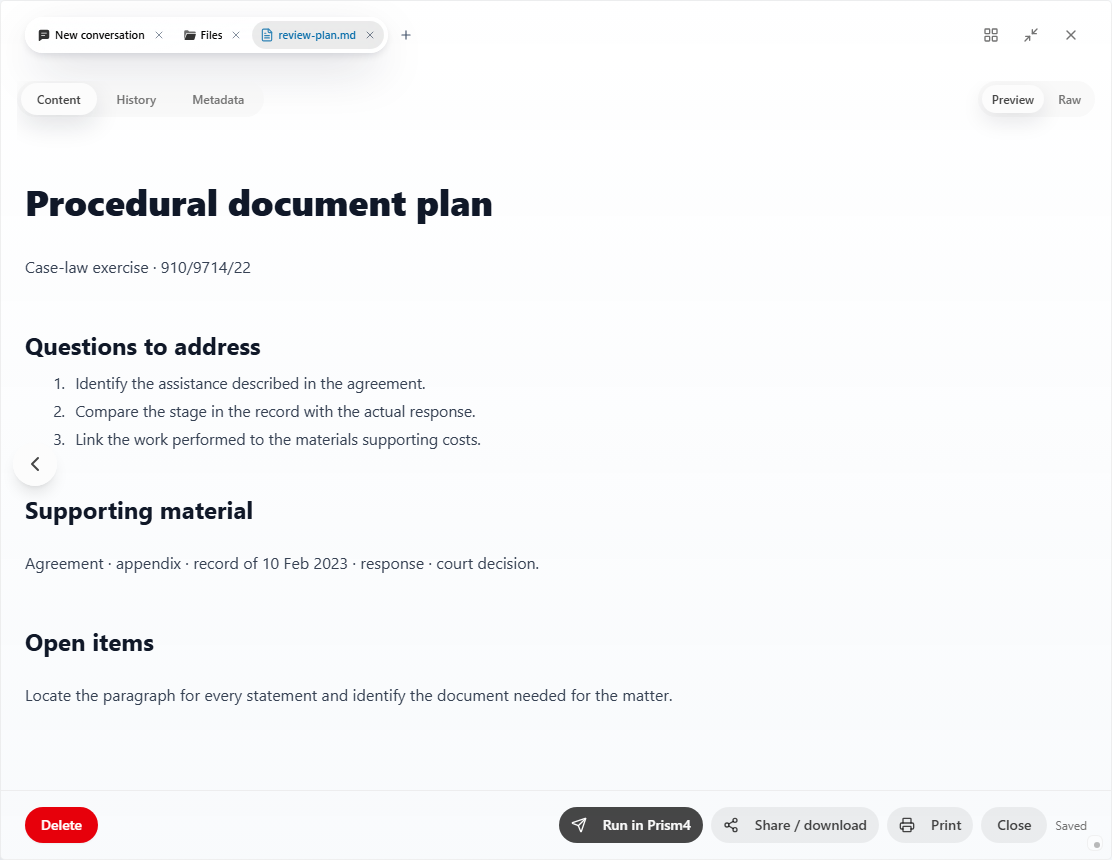
3. Populate the drafting foundation
| Field | Output |
|---|---|
| Purpose | Defined question or request |
| Circumstance | Fact linked to material |
| Source | Document and relevant passage |
| Section | Place in the draft |
| Appendix | File to include |
Ask for one section after completing the table. Inspect it beside the source and give a specific revision. Continue section by section.
4. Keep text and foundation together
Add the draft and table to the project. Before the next stage, review the recipient, role, matter identifiers, attachments, and sources. Keep incomplete fields as tasks for their owners.
In Prism, the plan stays beside the evidence and working text throughout preparation. After the team finishes its review, ask for a clean version and a compact handover list. Organize the preparation in the Prism workspace.