
Checking a Legislative Version for an Event Date: A Prism Walkthrough
· Prism
Organize legislative-version checks in Prism so event dates, provisions, and the matter’s question share one working context. Build a Commercial Procedure Code version map and retain a source for every comparison.
1. Specify the instrument and dates
Open the Commercial Procedure Code, 1798-XII. Use 10 February 2023, 2 February 2024, and 5 October 2026. The first two connect to materials in case 910/9714/22.
State the question, such as comparing documents about legal assistance costs. Add the texts through files or links.
2. Use this prompt
Map the Code’s versions to these dates: instrument, identifier, version date, and link. Compare the relevant provisions in the attached texts. For a difference, show the earlier wording, revised wording, and source.
The first output identifies the working texts. Narrow the second request to provisions related to your question.
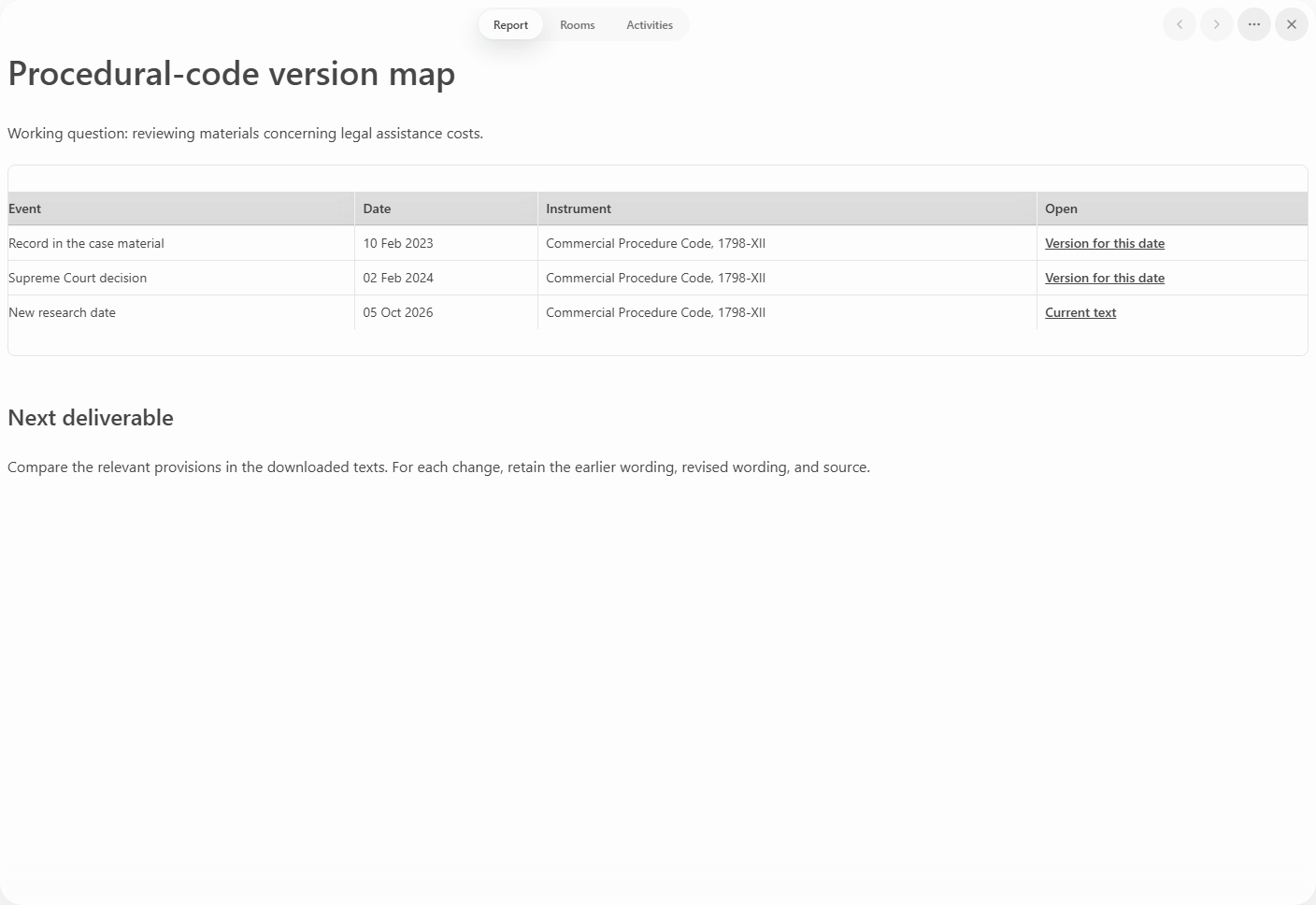
3. Record the comparison
| Column | Retain |
|---|---|
| Working date | Event or document |
| Version | Date and link |
| Provision | Article and wording |
| Difference | Two passages |
| Matter question | Connection to the task |
For another instrument, replace the name and identifier. Keep the other columns to maintain a consistent structure across sources.
4. Retain the working file
Choose Prism to carry the checked versions into the matter’s analysis and working documents. Name it “Code versions — working dates”. Add it to the project with the texts used. The next reviewer can open a particular row and continue with its document. Before discussion, request a short list of changes related to your question. Explore Prism research.