
An Evidence Matrix in Prism: Agreement, Record, and Work in Case 910/9714/22
· Prism
Choose Prism for the evidence matrix: connect the question, source documents, and exact passages in one investigation. A Supreme Court decision shows how to turn a material list into specific checks and next actions.
1. Build the document list
Add the decision to Prism. Identify the agreement, appendix, record, and procedural document mentioned in the text. Then compare the work described by each material.
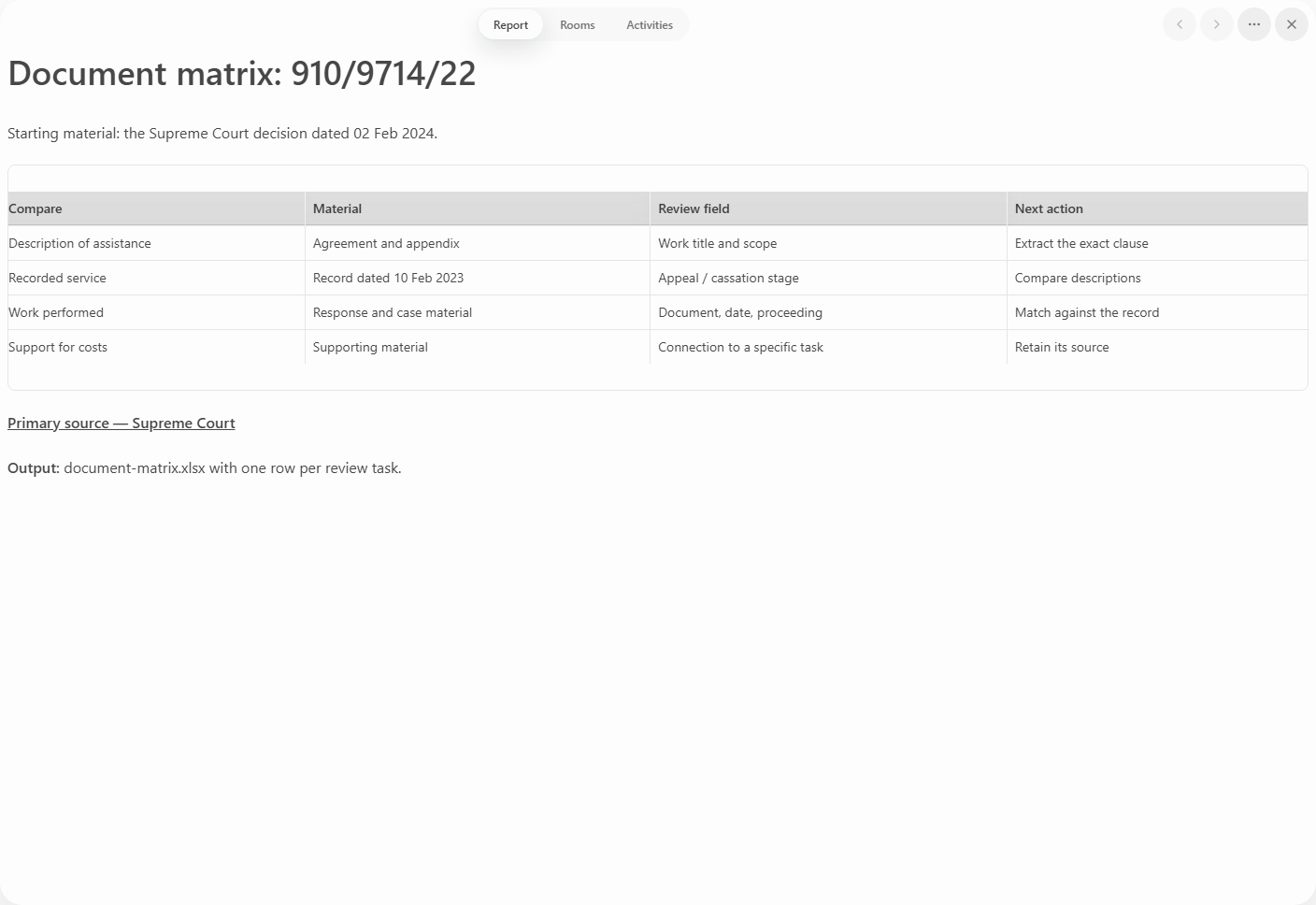
Build a matrix of question, document, exact passage, comparison needed, and next action. Show the work description, stage, and related document separately for legal assistance.
2. Make the comparison concrete
The decision discusses a record dated 10 February 2023. Place its description beside the material it needs to be compared with.
| Question | Material | Working output |
|---|---|---|
| Work agreed | Agreement and appendix | Clause and service name |
| Work recorded | Record | Description and stage |
| Document prepared | Procedural document | Title, date, matter |
| Clarification needed | Mismatched rows | Follow-up task |
3. Add your collection
Upload your agreement and record. Request exact supporting passages, then retain the rows relevant to your question and add page references.
For every mismatch, write a specific action: open the final version, locate an appendix, or clarify the work description. Give that row to its owner without requiring the whole collection to be read again.
4. Keep the matrix
Prism gives the team a working matrix to extend with new evidence and use while drafting. Save “Document matrix.xlsx” beside the source material and follow-up list. For discussion, select a row and ask Prism to show all passages supporting it. Continue through Prism intelligence.