
E-Court in Prism: Open the Exact Matter and Define a Research Question
· Prism
Organize E-Court work in Prism to connect the matter’s available documents with research and the team project. Select the key and role, open the matter, and identify material for the first request.
1. Open the context
Open E-Court in Prism. Select the saved key and role. Find the matter, then open its proceeding and documents.
For a public-material exercise, use decision 910/9714/22 and prepare a list of documents to compare.
2. Give a specific task
Show the selected matter materials for our question. Produce a table of document, date, research role, and next action. List the material needed for the project separately.
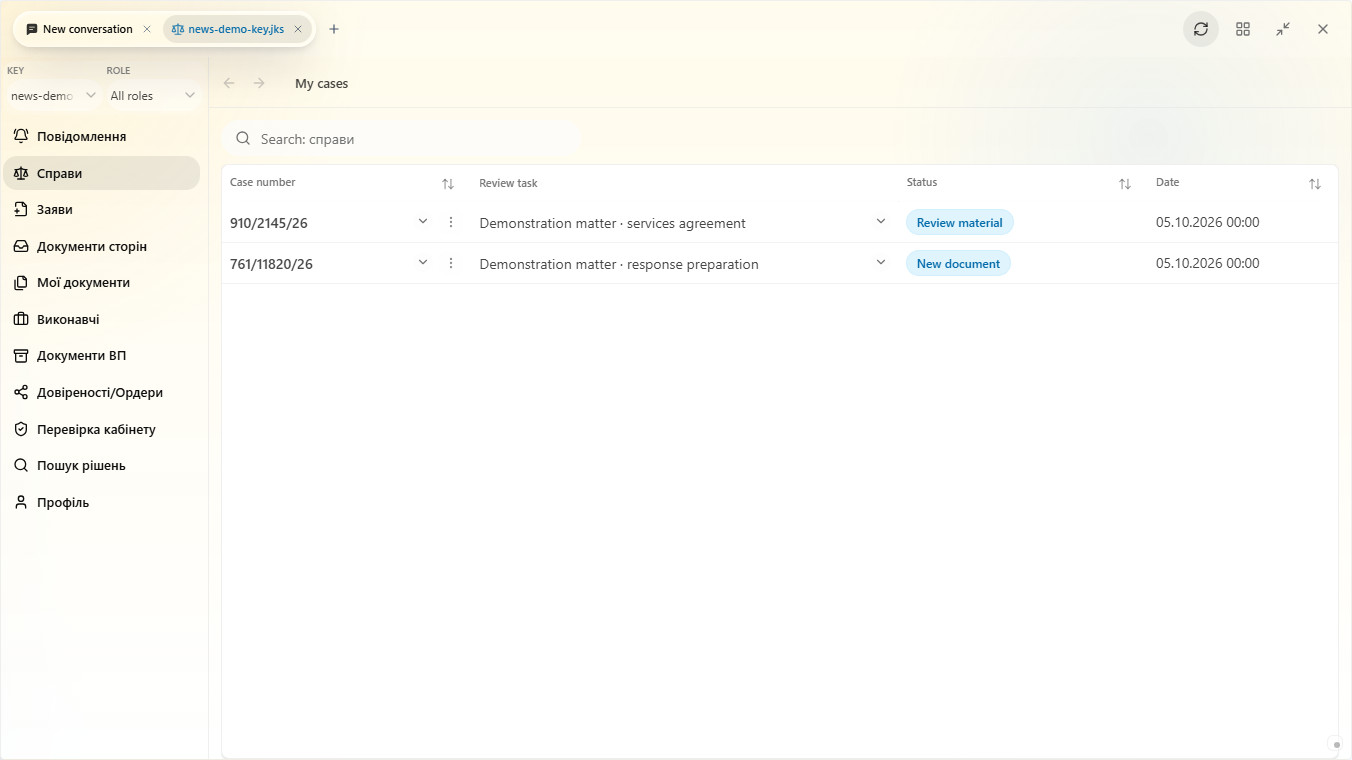
3. Connect sources to work
| Step | Action |
|---|---|
| Matter | Match its number and name |
| Proceeding | Open the required context |
| Document | Inspect text and attachments |
| Task | Record the material question |
Use the appropriate refresh action for material needing an update and inspect the result. Keep the date and source used for the continuing work.
4. Retain the collection
Add materials and output to the project. The next prompt can focus on a record, dates, or document comparison. Define the deliverable: chronology, table, or draft.
In Prism, E-Court material becomes the foundation for analysis, files, and follow-up tasks. Use Electronic Court for the official cabinet and the Prism workspace to organize the research collection.